By default, WooCommerce products that have no cost will display “$0” instead of “Free.” While this approach is fine for some stores, it’s not ideal for others.
Add the code snippet below to your site. If you’d like to use a display something other than “Free,” simply adjust line 6 as desired.
PHP
function my_wc_custom_get_price_html( $price, $product ) {

    if ( $product->get_price() == 0 ) {
        if ( $product->is_on_sale() && $product->get_regular_price() ) {
            $regular_price = wc_get_price_to_display( $product, array( 'qty' => 1, 'price' => $product->get_regular_price() ) );
            $price = wc_format_price_range( $regular_price, __( 'Free', 'woocommerce' ) );
        } else {
            $price = '<span class="amount">' . __( 'FREE', 'woocommerce' ) . '</span>';
        }
    }
    return $price;
}

add_filter( 'woocommerce_get_price_html', 'my_wc_custom_get_price_html', 10, 2 );Uniquely Style the “FREE” Text
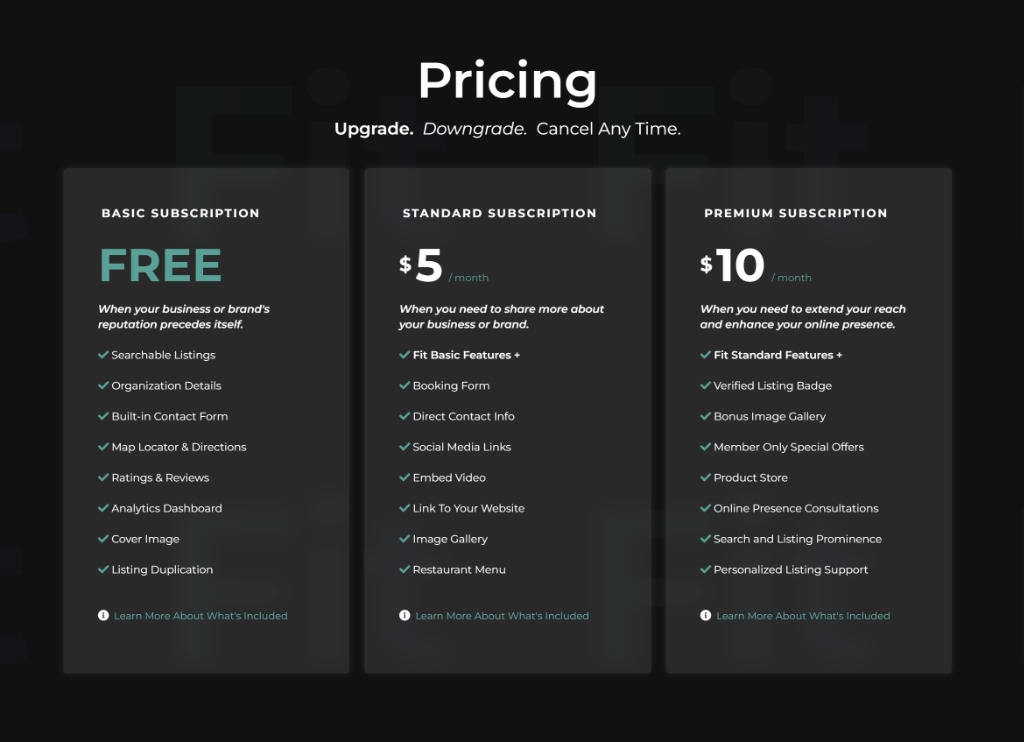
Maybe you would like to change the color, boldness, etc., of the word ‘”Free” so it stands out from the others. No problem!
Add the following CSS to your website as a starting point for your design and adjust as desired.
CSS
.form#job_package_selection > div > div.row.section-body.row-eq-height > div:nth-child(1) > div > h2.plan-price.case27-primary-text > span {
    font-weight: 700 !important;
    font-size: 2rem !important;
    color: #34a496 !important;
}
Video Tutorial
