Join

Display MyListing Advanced Search Form Checkboxes in Two Columns

Don't want to mess with code snippets? Request for this to be a feature of MyListing Pro.

Instructions

  1. Create a new CSS code snippet.
  2. Copy the contents of code snippet below.
  3. Paste the contents into your code snippet.
  4. Review any notes that I’ve provided.
  5. Save and enable the code snippet.
  6. Test.

Snippet

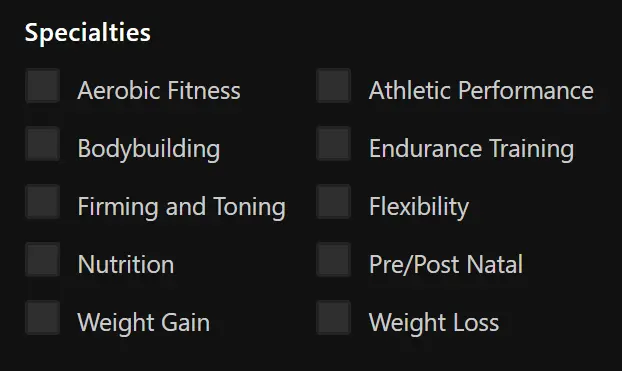
By default, checkbox fields within the Advanced Search Form are displayed as a single column, which takes up a lot of space, pushing other fields further down the page.

Add the code snippet below to your site to provide a better experience.

CSS
.tags-nav li {
    width: 50% !important;
}
mylisting club display explore page advanced search form checkboxes in two columns