This guide will show you how to easily duplicate the Elementor-based content of your MyListing website without a plugin or code snippet.
- Edit the Post/Page you wish to duplicate using Elementor.
- Create a new Post/Page and edit it with Elementor.
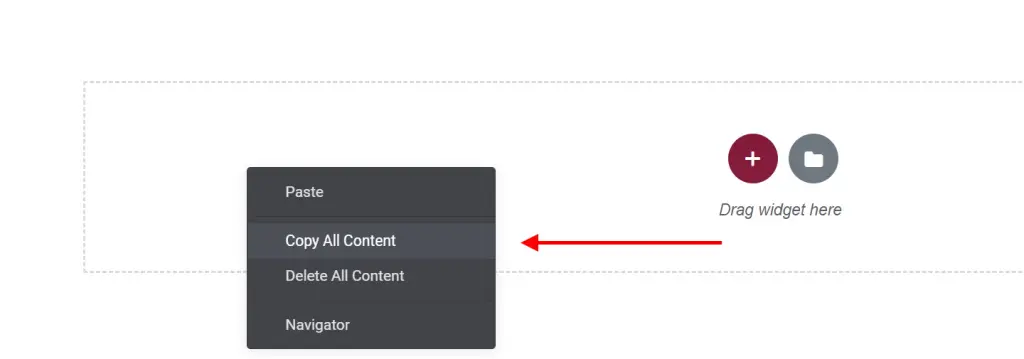
- On the original Post/Page, scroll to the bottom and click ‘Copy All Content.’
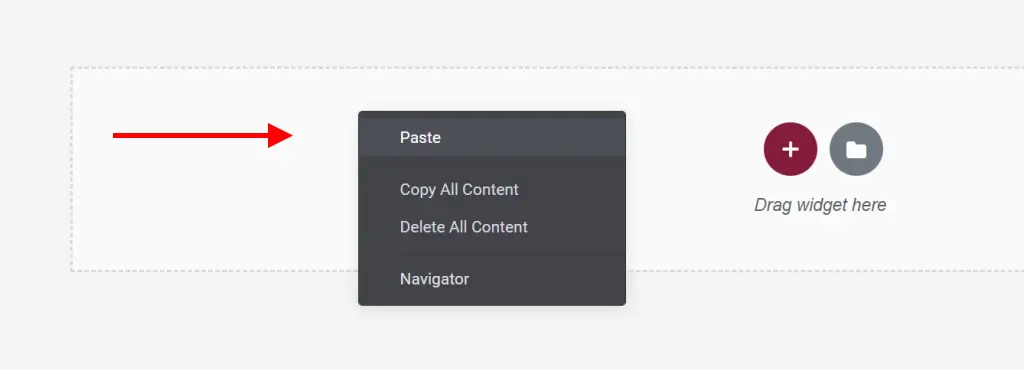
- On the new Post/Page, right-click and choose ‘Paste.’