- Line 1: Replace the word ‘odd’ with ‘even’ to change which row gets the background first.
- Line 2: Adjust with your desired background color.
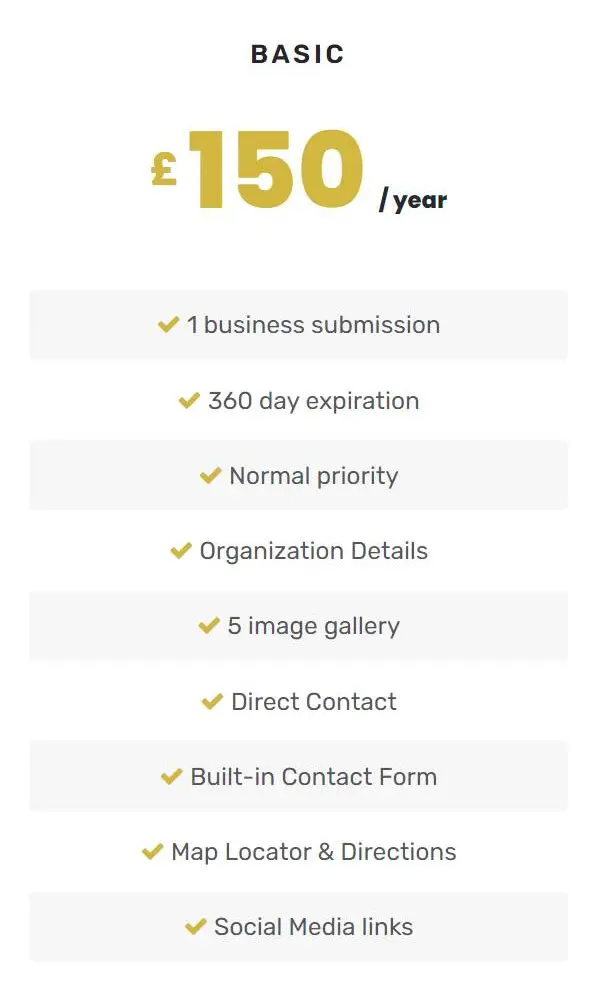
.plan-features li:nth-child(odd) {
    background: #f7f7f7;
    padding: 10px;
    border-radius: 3px;
}
Don't want to mess with code snippets? Request for this to be a feature of MyListing Pro.
.plan-features li:nth-child(odd) {
background: #f7f7f7;
padding: 10px;
border-radius: 3px;
}