By default, when you add a password field to an Elementor form, that field will allow any password to be entered, which is a major security risk.
This guide will show you how to easily add a strong password requirement to the password field and offer guidance to the user.
- Edit the desired Elementor Pro form.
- Add or edit the ‘Password’ field.
- Switch to the ‘Advanced’ tab of the field.
- Advanced > Pattern > Enter the pattern shown below.
(?=^.{8,}$)(?=.*\d)(?=.*[!@#$%^&*]+)(?![.\n])(?=.*[A-Z])(?=.*[a-z]).*$- Advanced > Pattern Message > Enter the message shown below.
Minimum Requirements: 8 characters, 1 uppercase letter, 1 lowercase letter, 1 digit, and 1 special character.
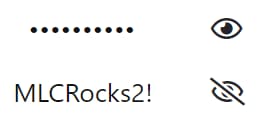
- Advanced > Preview Toggle > Toggle ON.