Those who use the default MyListing Add Listing flow may want to style the Listing Type boxes, and this snippet post covers that.
Use 8 Boxes Across
By default, MyListing allows you to show 3 boxes across. This snippet shows 8 boxes on desktop view.
Note: Be sure to check the views on smaller devices (laptops, tablets, phones, etc.) to ensure the look is what you’re hoping for.
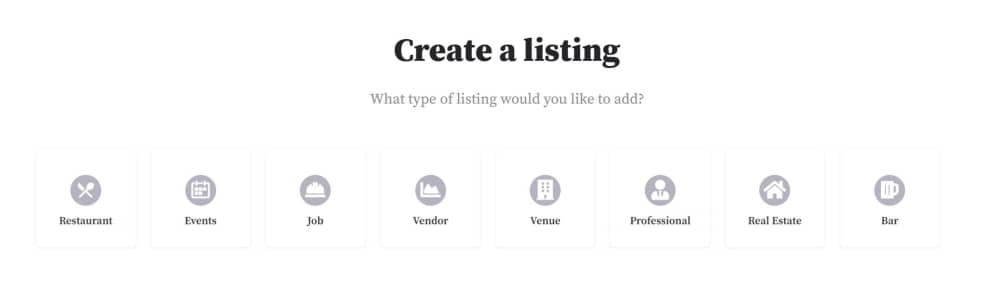
Customization Notes
Change the Page ID to match the ID of your own Add Listing page.
.page-id-195 .col-md-3 {
    width: 12%;
}
Remove the Box Shadow (Border)
By default, MyListing places a box shadow around the boxes, and some would like to change that look.
.face.ac-front-side {
     box-shadow: none;
}